Automation ideas
Business process automation examples: 14 practical use cases
Business process automation examples by department: the trigger, what the automation does and the result, so you can spot the right first one to build.
By August Krupo · · 6 min read
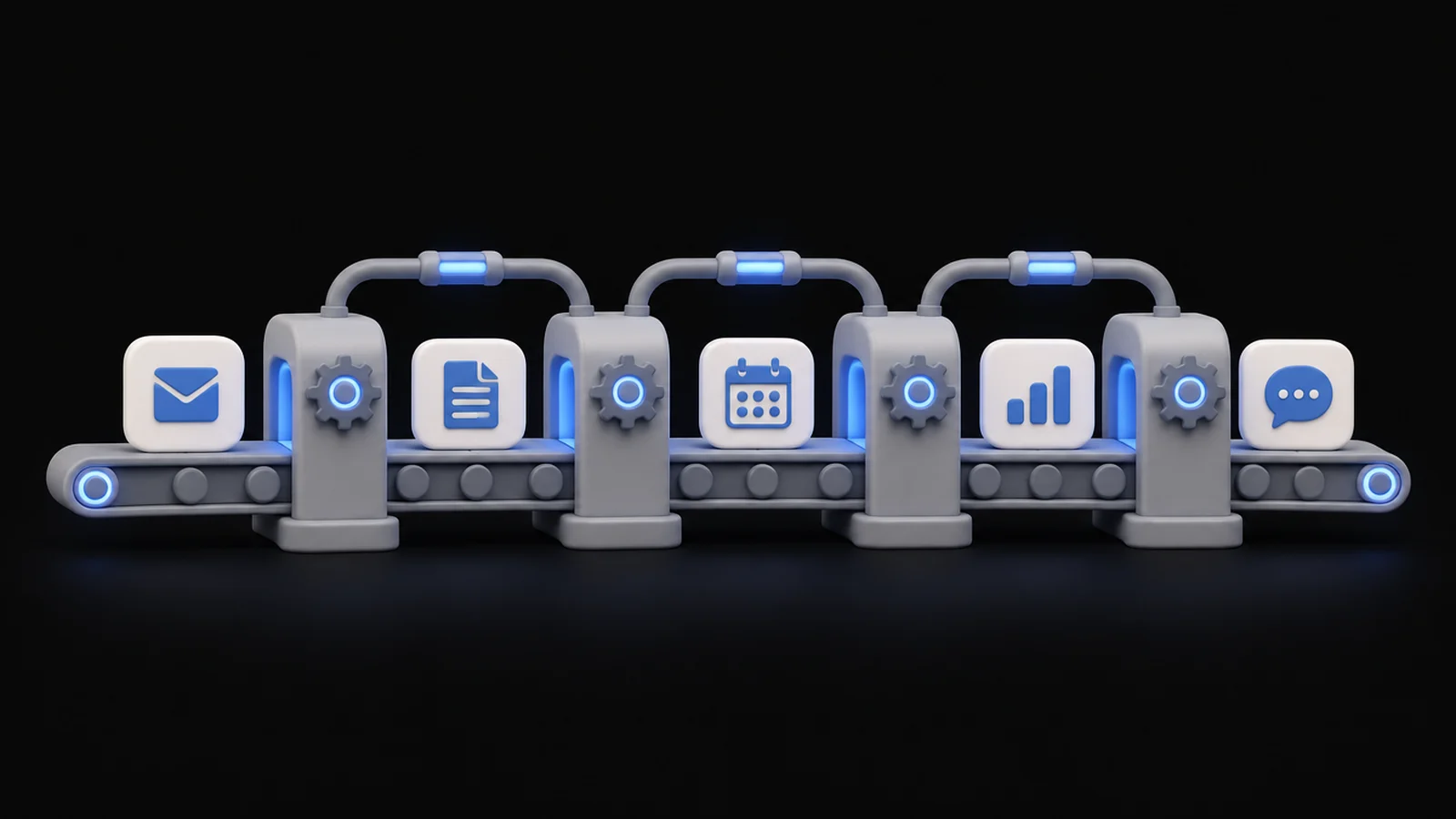
Business process automation examples all share one pattern: something happens, software does the routine steps, and a person handles the exceptions. A form is sent, so the lead is saved, answered and assigned. An invoice arrives, so it's read, checked and prepared for approval.
Below are 14 examples, grouped by department. Each one shows the trigger, what the automation does and the result.
They're illustrations of common workflows, not client stories. Use them to spot the tasks in your own company that look the same.
What is business process automation?
Business process automation means letting software carry out the repeated steps of a process, from start to finish. It connects the tools you already use, so people don't have to move information between them.
Every automation has three parts:
Part 1
Trigger
An email, a form, a date, a new row or a status change.
Part 2
Steps
Check, copy, create, calculate, draft, send.
Part 3
Handover
What a person sees, approves or fixes.
If you can describe those three for a task, it can probably be automated. If you can't, the process needs tidying first.
Sales automation examples
1. New lead reply
- Trigger: someone fills in your contact form.
- Automation: AI reads the request, drafts an answer and adds the contact to the CRM.
- Result: the lead hears back quickly, and nothing has to be retyped.
2. Lead scoring
- Trigger: a new lead is saved in the CRM.
- Automation: AI compares it with your criteria and adds a score with a reason.
- Result: salespeople start with the best leads. See AI lead qualification for the details.
3. Quote follow-up
- Trigger: a quote has had no reply for a set number of days.
- Automation: a short follow-up is drafted, and the salesperson is reminded.
- Result: fewer quotes are simply forgotten.
Customer service automation examples
4. Repeat questions
- Trigger: a customer asks about delivery, opening hours or returns.
- Automation: AI answers from your approved information, and passes on anything else.
- Result: the team spends its time on the unusual cases.
5. Order status
- Trigger: a message contains an order number.
- Automation: the status is looked up in your shop and a reply is prepared.
- Result: customers don't wait for someone to check.
6. Sorting the inbox
- Trigger: an email arrives at a shared address.
- Automation: AI labels it by topic and urgency, then routes it to the right person.
- Result: urgent messages are easier to spot.
Finance automation examples
7. Supplier invoices
- Trigger: an invoice arrives by email.
- Automation: AI reads it, rules check it, and a draft bill is created.
- Result: people approve instead of typing. The full flow is in this guide to invoice automation.
8. Payment reminders
- Trigger: an invoice passes its due date.
- Automation: a polite reminder is sent, then a firmer one, then a person is told.
- Result: chasing happens on time, and important customers still get a call.
Operations automation examples
9. Weekly report
- Trigger: Monday at eight.
- Automation: figures are collected from your tools, and AI adds a short summary of what changed.
- Result: the report is waiting before the meeting starts.
10. Moving data between systems
- Trigger: a record changes in one tool.
- Automation: the same change is made in the others, through their APIs.
- Result: one version of the truth, and fewer typing errors.
11. Meeting notes to tasks
- Trigger: a call transcript is ready.
- Automation: AI lists the decisions and creates tasks with owners and dates.
- Result: agreements don't get lost, once someone has confirmed the list.
HR automation examples
12. New starter checklist
- Trigger: a new employee's start date is confirmed.
- Automation: tasks are created for equipment, accounts and introductions.
- Result: the first day doesn't depend on somebody's memory.
13. Holiday requests
- Trigger: someone sends a request form.
- Automation: it's checked against the calendar and sent to the manager to approve.
- Result: no email chain, and the calendar stays up to date.
Decisions about hiring, pay or performance are another matter. Keep people responsible for those, and check your local rules first.
Marketing automation examples
14. One article, several formats
- Trigger: a new article is published.
- Automation: AI drafts a newsletter section and several posts in your tone.
- Result: a person edits drafts instead of facing an empty page.
Does it need AI, or just simple rules?
Not every automation needs AI. Simple rules are cheaper to run, easier to test, and give the same answer every time.
| The task | Better choice | Why |
|---|---|---|
| Copy a form answer to a spreadsheet | Rules | The data already has a fixed shape |
| Send a reminder on a date | Rules | Nothing has to be understood |
| File emails from one sender | Rules | The condition is exact |
| Understand what an email is asking | AI | The wording is different each time |
| Read invoices in many layouts | AI, then rules | AI reads, rules check the numbers |
| Draft a reply in your tone | AI, then a person | Writing needs a human eye |
You may already have rules you aren't using. Gmail, for instance, can label, archive or forward messages with filters, and Google's Apps Script can run a script on a schedule.
The strongest AI workflow automation mixes both. Let AI do the reading and writing, let rules do the checking, and let people make the decisions.
How to pick your first automation
Look for a task that scores well on all four points:
- Frequent: it happens every day or every week.
- Predictable: the steps are nearly always the same.
- Digital: the information starts in an email, form, file or system.
- Safe: a mistake is easy to see and easy to fix.
minutes each time × times a day × 20 working days ÷ 60 = hours per month
Example: 4 minutes × 10 times a day × 20 days = 800 minutes, a little more than 13 hours a month
Then compare it with your other candidates. This one-week method helps you find where your team's time goes and rank the results.
Mistakes to avoid
- Automating a process nobody agrees on. Write down how it should work first.
- Starting with the biggest process. A small success teaches you more.
- No owner. Every automation needs a person who notices when it stops.
- No way to stop it. Make sure it can be paused in one step.
- No "before" numbers. Without them, you can't tell whether it helped.
If several of these examples sound like your company, here's how I work. It starts with a free 30-minute intro call, then the Automation Audit ($849, one-time), which gives you a written plan of what to automate first.
Frequently asked questions
What is an example of business process automation?
A new lead fills in a form, is added to the CRM, gets a reply and is assigned to a salesperson, without anyone copying data. The form is the trigger, and a person steps in when judgement is needed.
What is the difference between AI automation and normal automation?
Normal automation follows fixed rules, such as "if the form is sent, create a contact". AI automation also handles things that need reading or writing, such as understanding an email or drafting an answer.
Which business process should I automate first?
Choose one that happens often, follows the same steps and is easy to check. A small daily task is usually a better first choice than a big yearly one.
Can a small company automate its processes?
Yes. Many examples here need only an inbox, a spreadsheet or CRM, and one automation between them.